A working preset, not a mockup
AI Halloween photo editor for costume and makeup
A photo editor should change the photo, not replace the person. This one keeps the face and rebuilds the costume, makeup, hair and set around it, so the result still reads as you.
- Keeps your face
- New accounts: 10 free credits = 5 stills
- Failed renders refunded
Editor, not a filter
A filter tints the whole image. An editor decides what to change and what to keep: the face stays, the outfit and the room are replaced, and the light is rebuilt to match the new scene. That is why the result can look like a costume portrait instead of a sticker on a selfie.
Change the costume, makeup and set
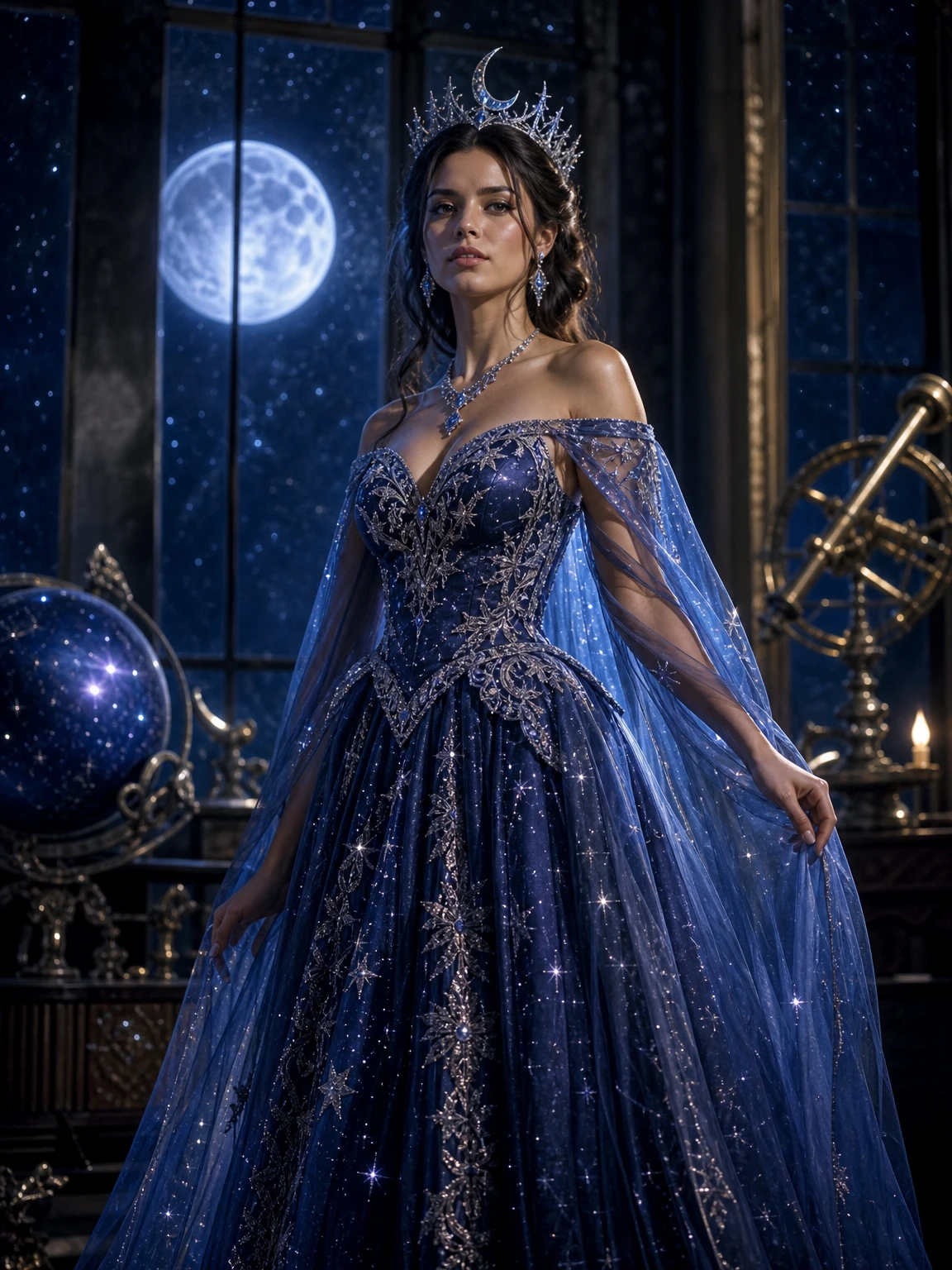
The presets cover different kinds of edits: a cosmic gown and crown, violet braids and velvet, ivory-and-charcoal skeleton makeup, or a moss-green cloak in a forest. Each one names the materials and the lighting, not just the colour, because “black dress” and “black velvet with lace” produce very different images.
What keeps the face recognizable
Three things: a clear source photo, an explicit identity constraint, and a result you actually inspect. The prompt asks for the same face, skin tone and proportions; the photo has to supply enough detail. If the first result drifts, change the photo before you change the prompt.
The still is the product
You get a 3:4 portrait at 2 credits, without a watermark. If you want motion, the same still can be animated into a 12-second walk for 10 credits at 480p or 30 at 1080p. The video is optional; the editor works as a standalone portrait tool.
The looks in this collection
Each look has its own page, prompt and real price.
Cosmic Princess, built from one photo
Edit one photo into a cosmic princess portrait with a midnight-blue gown, silver moon crown and starry observatory, then turn it into a 12-second walk clip.
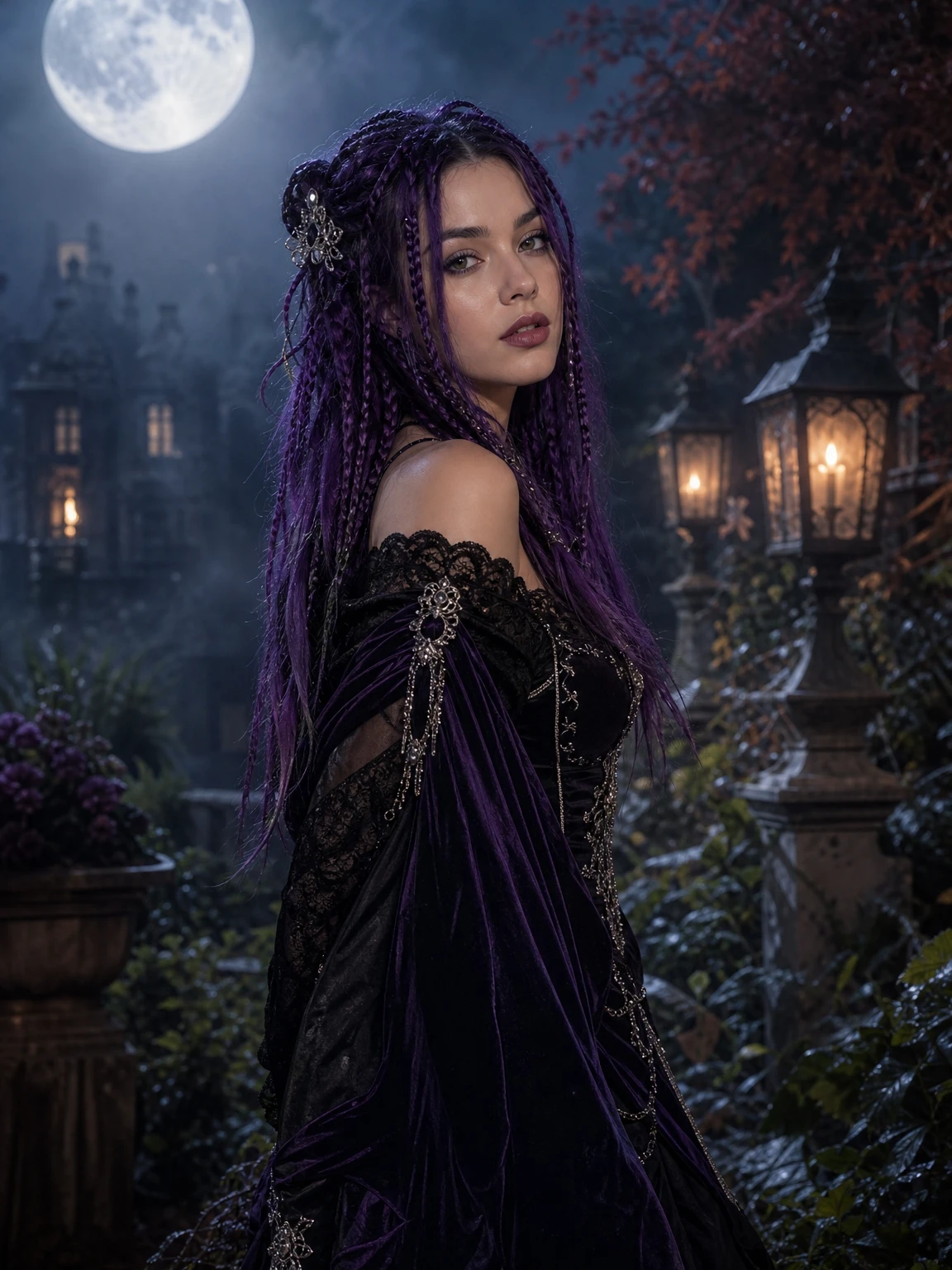
Midnight Braids, from your own photo
Turn one selfie into a midnight-braids Halloween portrait with violet braids, gothic velvet and a moonlit garden, then animate it into a 12-second walk video.
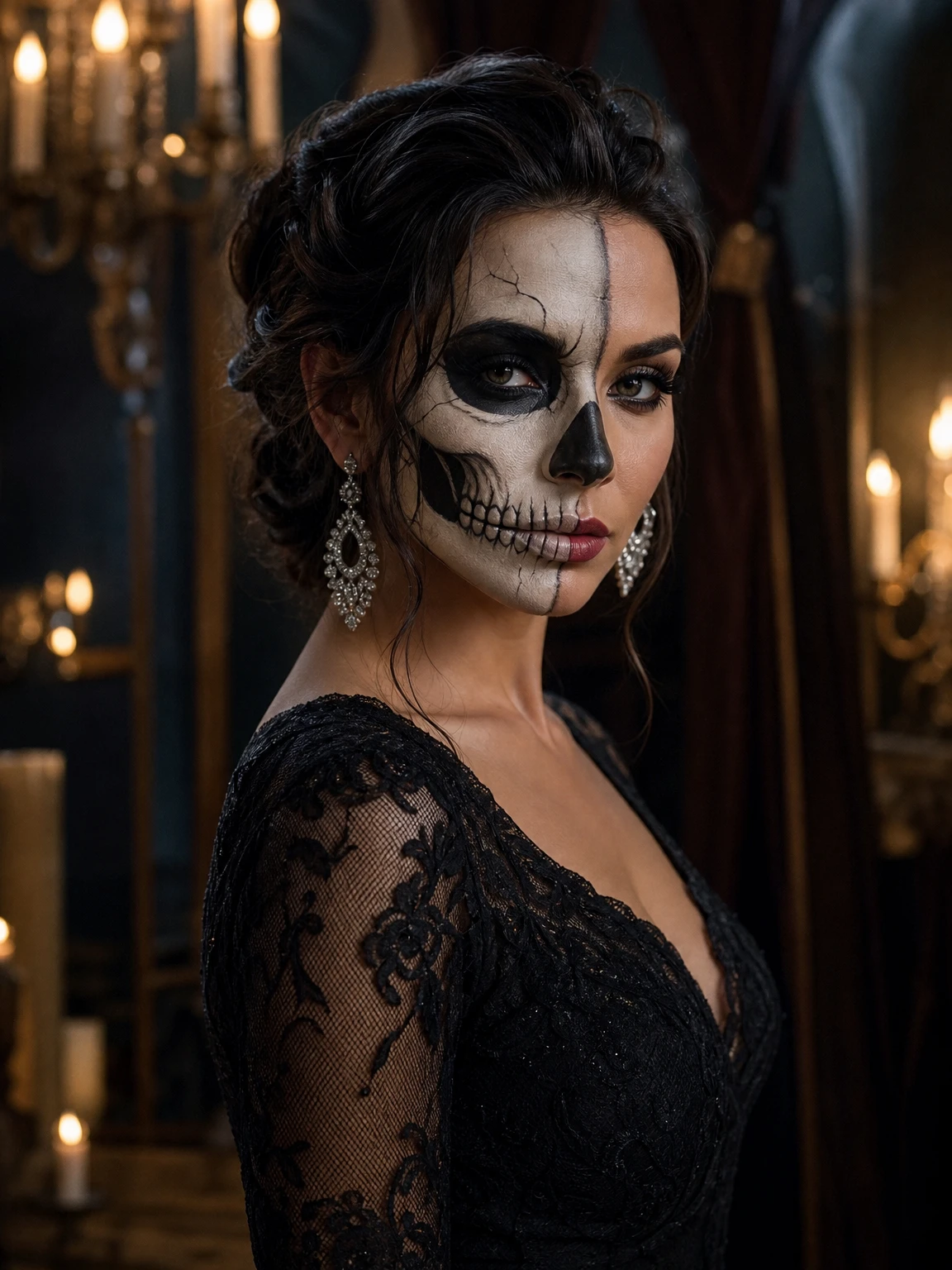
Skeleton Glam, without losing your face
Turn one photo into a skeleton glam beauty portrait: ivory-and-charcoal skeleton makeup, black lace and candlelight, with your expression still readable.
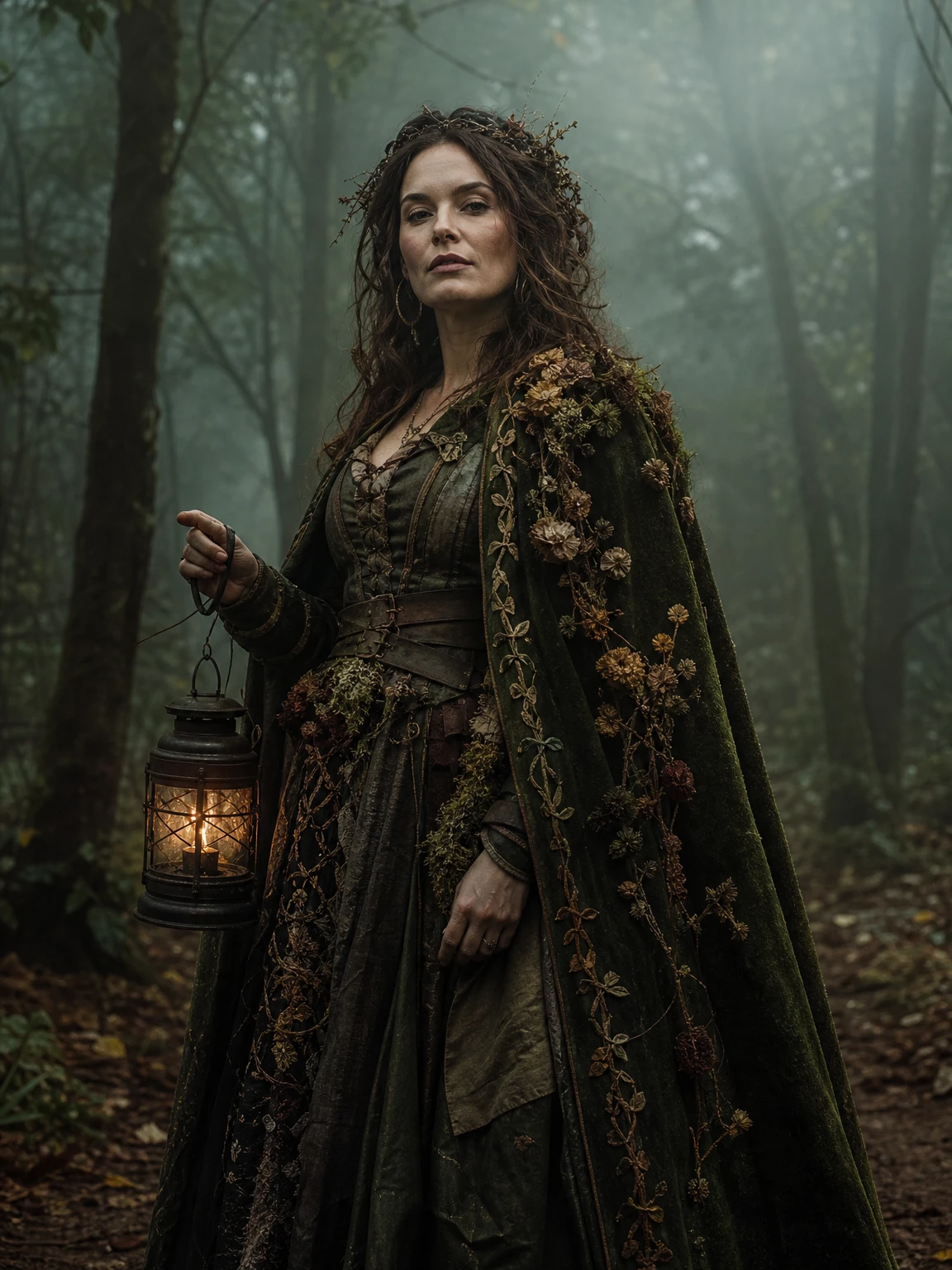
Forest Witch, from one clear photo
Turn one photo into a forest witch portrait with a moss-green velvet cloak, dried flowers and an antique lantern in a foggy autumn forest, then animate it.
Questions before you start
Can I edit a photo I did not take?
Only if you have the person’s permission. Do not upload a stranger, a celebrity or a child. The consent line on the studio is part of the product, not decoration.
Does it change my face shape?
The prompt asks the model to preserve face shape, skin tone and proportions. Some results will still vary; a clear, front-facing photo reduces the drift.
Can I use it for a profile picture?
Yes. The 3:4 portrait crops cleanly to a square. The background and costume are strong enough to read at small sizes.
Is there a video version?
Yes, for the single-person looks. The 12-second walk is a separate render and a separate price. The photo itself does not require video.
Why does a still cost 2 credits?
The image model is billed per render, and 2 credits keeps the still profitable on every current pack while leaving the $9.90 Single pack useful. The exact prices are on the pricing page.