A prompt is only useful if it produces a result. These eight prompts are the ones behind the looks in this library, with the constraints that keep the face recognizable and the costume readable.
Example generated with gpt-image-2; your result uses your own photo as the reference.
How to use these prompts
Each prompt assumes one uploaded photo (two for the couple look). Paste it into an image editor that accepts a reference image; do not run it as a text-to-image prompt and expect the same person. Copy the whole prompt, including the “avoid” list at the end.
Why the constraints are the useful part
The costume description gets the attention, but the constraints keep the result usable: preserve the face, keep the same number of people, avoid extra limbs, no text or watermarks. A prompt without those lines produces prettier chaos, not a portrait.
Prompt first, preset second
If you are using this site, you do not need to paste anything: choose the matching preset and upload a photo. The prompt is shown so you can learn the structure, remix it in another tool, or check what the preset actually asks for.
What a prompt cannot fix
A prompt cannot recover a face that is too small, turn a group photo into one person, or guarantee a specific celebrity likeness. It also cannot add a real brand logo or a film-accurate costume. The photo and the model set the ceiling.
The prompt library
The prompts below are the exact image prompts used by the presets. Copy one, or open its look page to generate with it.
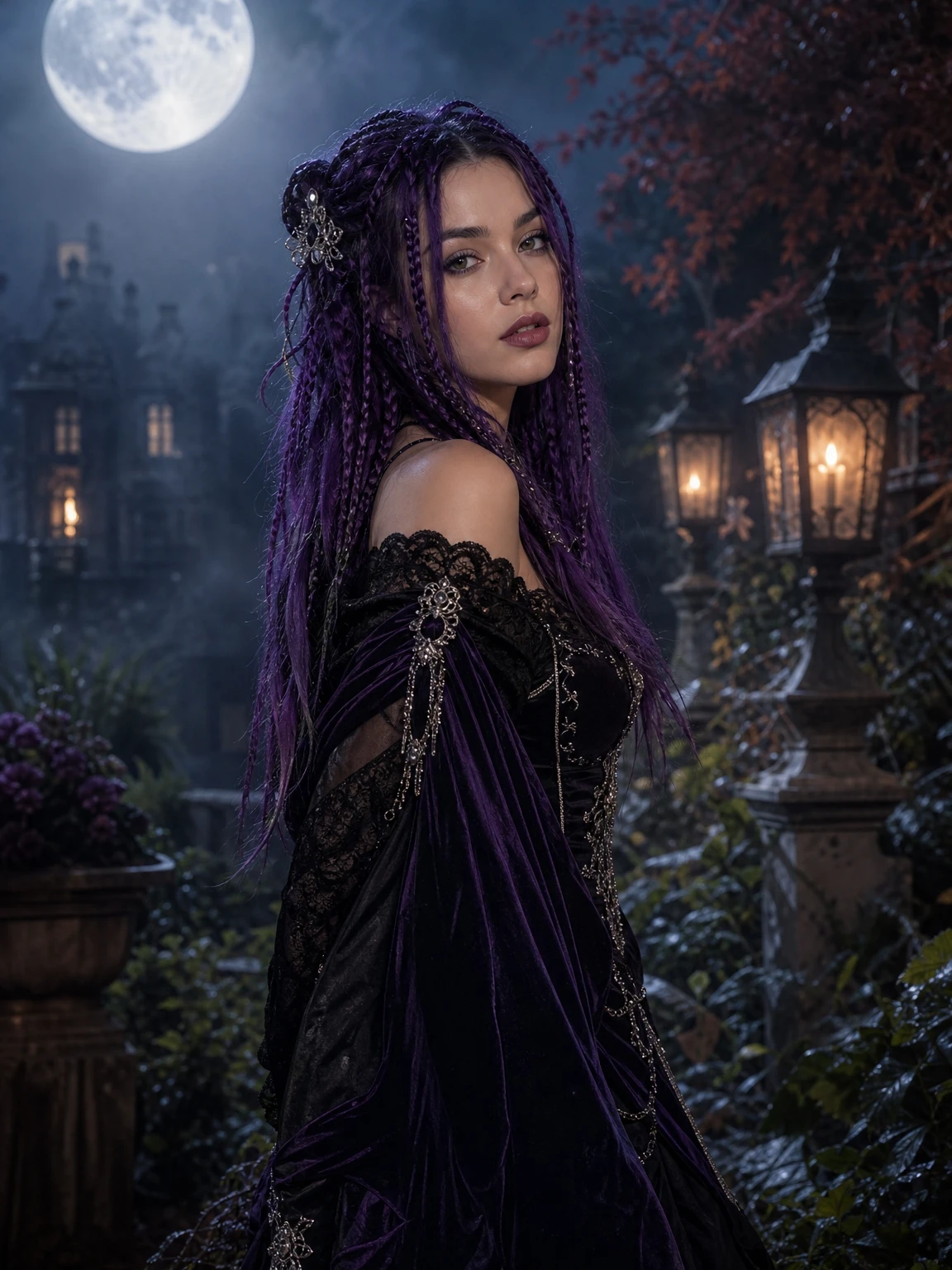
Use the uploaded photo as the primary reference. Preserve the subject's recognizable facial identity, facial proportions, skin tone, approximate age and natural anatomy. Transform the subject into an original gothic Halloween fashion portrait. Change the hairstyle into long violet braids decorated with delicate silver hair accessories. Replace the clothing with an elegant black-and-purple velvet outfit featuring subtle lace and metallic details. Place the subject in a moonlit Victorian garden with soft fog, glowing lanterns and dark autumn foliage. Use photorealistic editorial photography, realistic fabric textures, natural skin details and cinematic soft lighting. Keep the same number of people as the uploaded photo. Avoid altered facial identity, extra limbs, duplicated fingers, distorted anatomy, text, logos and watermarks.
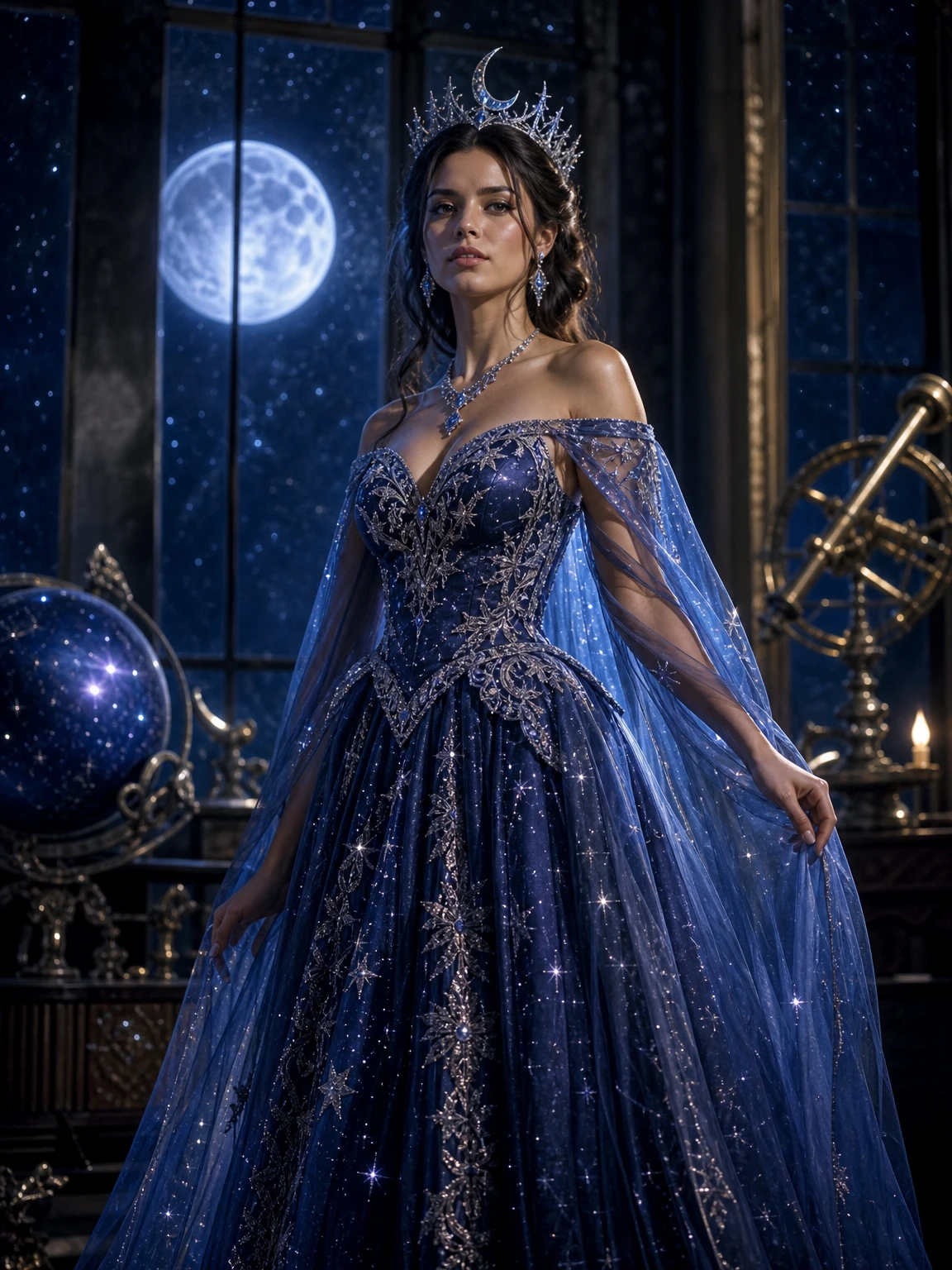
Edit the uploaded photo into an original celestial Halloween princess portrait. Preserve the subject's recognizable face, natural skin texture, body proportions and pose. Replace the outfit with a midnight-blue fantasy gown featuring silver embroidery, softly glowing star patterns and realistic flowing fabric. Add a delicate silver moon crown and luminous accessories. Place the subject inside a moonlit observatory with a starry sky visible through tall windows. Use elegant fantasy fashion photography, realistic fabric details, cinematic rim lighting, and a deep-blue, silver and violet colour palette. Keep the person recognizable. Avoid altered facial identity, extra people, distorted anatomy, text or watermarks.
Using the uploaded photo as reference, transform the subject into an original futuristic Halloween hero costume portrait. Preserve the subject's recognizable face, skin tone, head proportions and original pose. Create a realistic wearable hero costume with sculpted metallic armour panels, subtle blue LED accents and articulated shoulder pieces. The visor is pushed up so the face stays visible. Place the subject on a neon-lit city rooftop at night. Use dramatic blue-and-orange cinematic lighting and realistic material reflections. Keep the person recognizable. Do not replace the face with a helmet. Avoid extra limbs, distorted hands, duplicated body parts, logos and text.
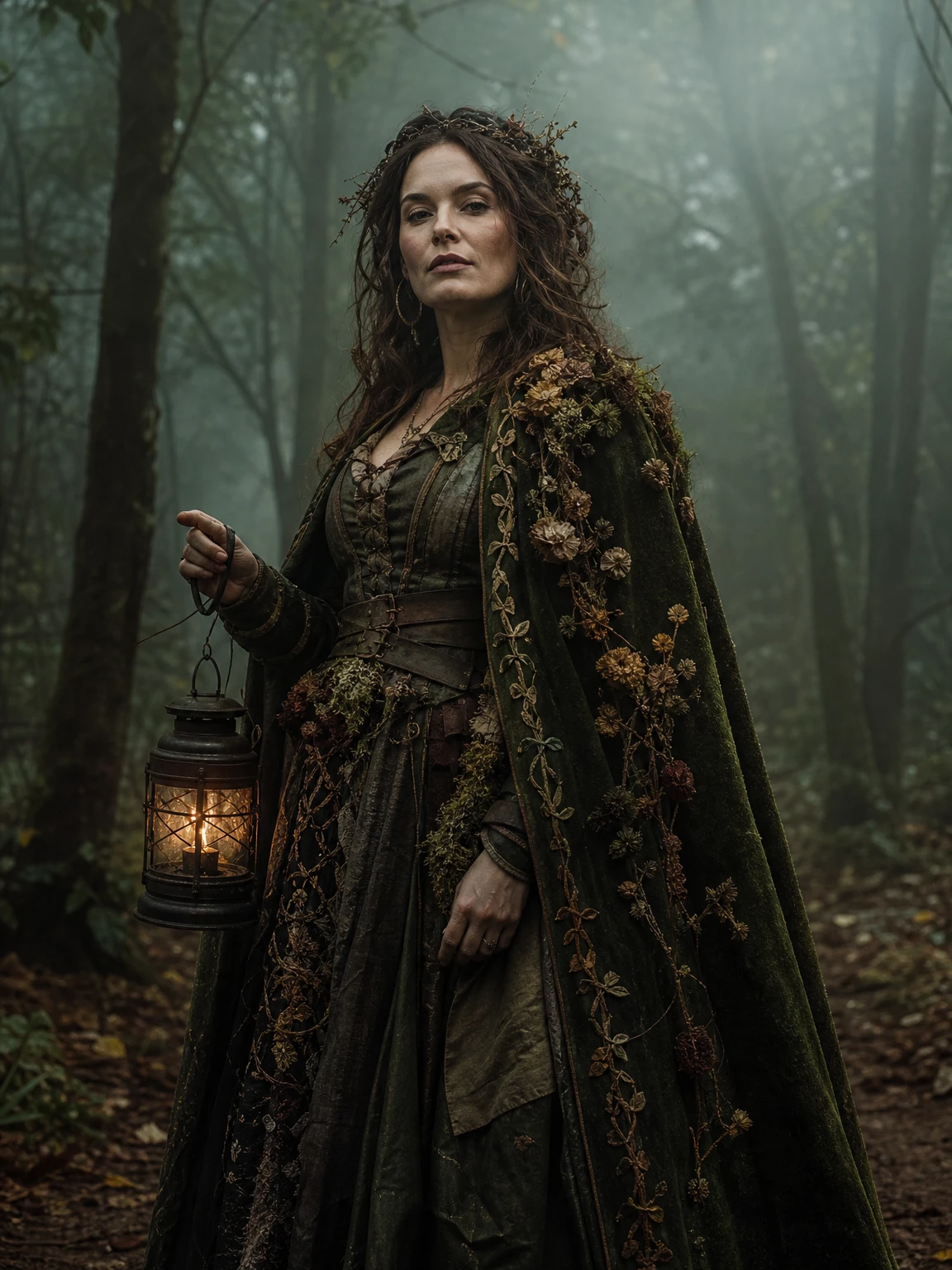
Use the uploaded photo as the primary reference. Preserve the subject's recognizable face, skin tone, body proportions and pose. Transform the subject into an original forest witch portrait: a moss-green velvet cloak with dried flowers and embroidered vines, a weathered leather corset, and an antique lantern held in one hand. Place the subject in a foggy autumn forest with tall trees and soft green light. Use photorealistic fantasy fashion photography, natural skin texture and cinematic mist. Keep the same number of people as the photo. Avoid altered facial identity, extra limbs, distorted hands, text, logos and watermarks.
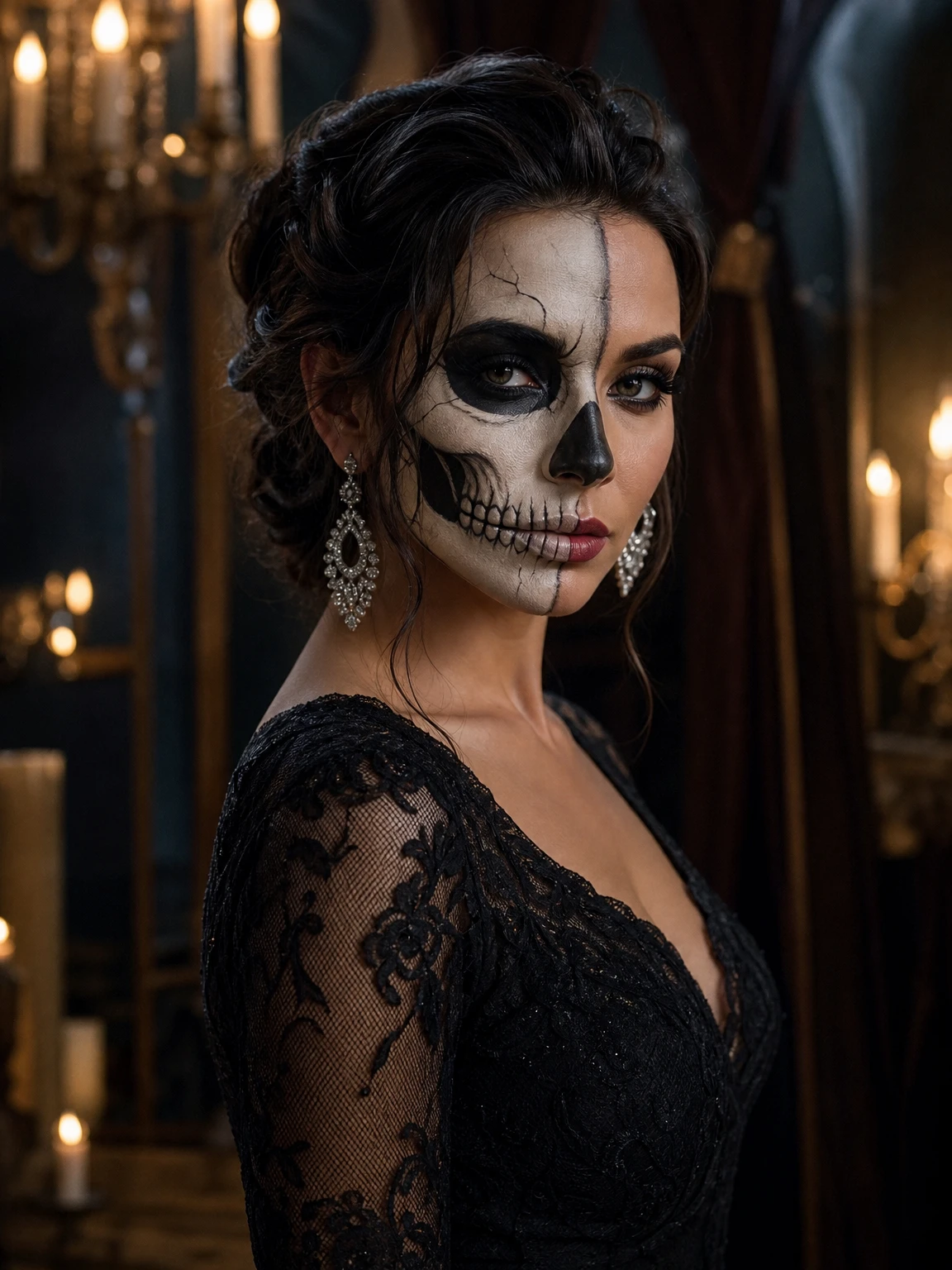
Edit the uploaded photo into an elegant skeleton glam Halloween beauty portrait. Preserve the subject's recognizable facial identity, skin tone, face shape and natural anatomy. Apply skeleton makeup in ivory and charcoal, keeping the eyes, brows and expression readable. Dress the subject in a black lace evening dress with silver earrings. Place the subject in a candlelit ballroom with dark velvet curtains. Use photorealistic high-fashion beauty photography, detailed makeup texture, warm candlelight and cool shadows. Keep the same number of people. Avoid altered facial identity, extra limbs, distorted features, text, logos and watermarks.
Use the uploaded photo as the primary reference. Preserve the subject's recognizable face, skin tone and body proportions. Transform the subject into an original haunted unicorn mascot-inspired Halloween look: a soft pastel-gothic hood with a sculpted unicorn horn, iridescent fabric, dark lace gloves, and a foggy abandoned carnival background with muted pink lights. Use photorealistic costume editorial photography, whimsical but eerie, cinematic fog and soft practical lights. Keep the same number of people. Avoid altered facial identity, extra limbs, distorted hands, text, logos and watermarks.
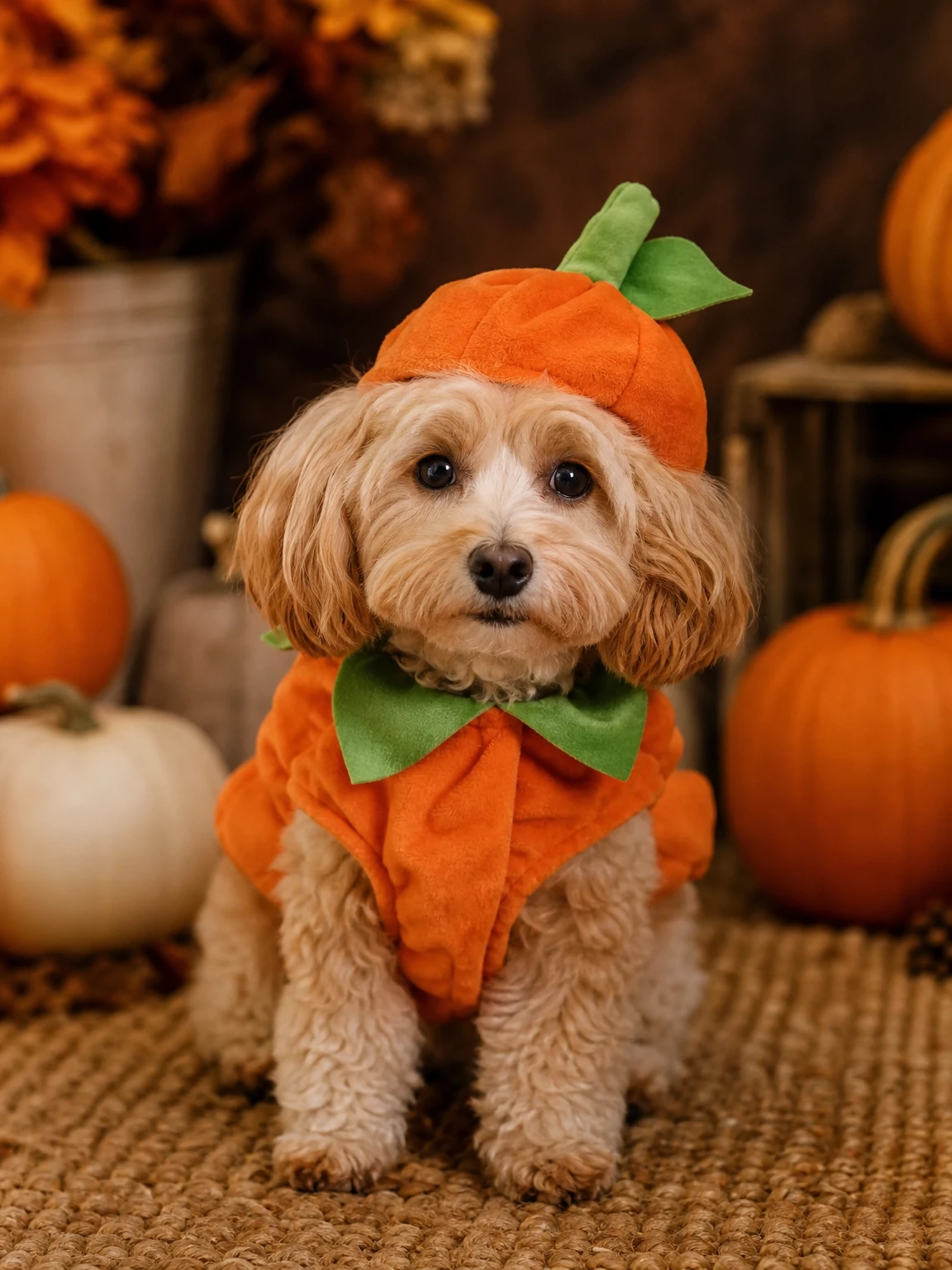
Use the uploaded pet photo as the primary reference. Preserve the animal's original breed, fur colour, distinctive markings, eye colour, facial appearance and natural anatomy. Dress the pet in a soft pumpkin-inspired Halloween costume with a small green leaf accessory. Keep the costume fitted naturally without covering the animal's eyes or changing its species. Place the pet in a cozy autumn photography studio with warm lighting and miniature pumpkins. Create a photorealistic professional pet portrait with realistic fur texture and natural shadows. Avoid extra animals, unnatural paws, duplicated limbs, text and watermarks.
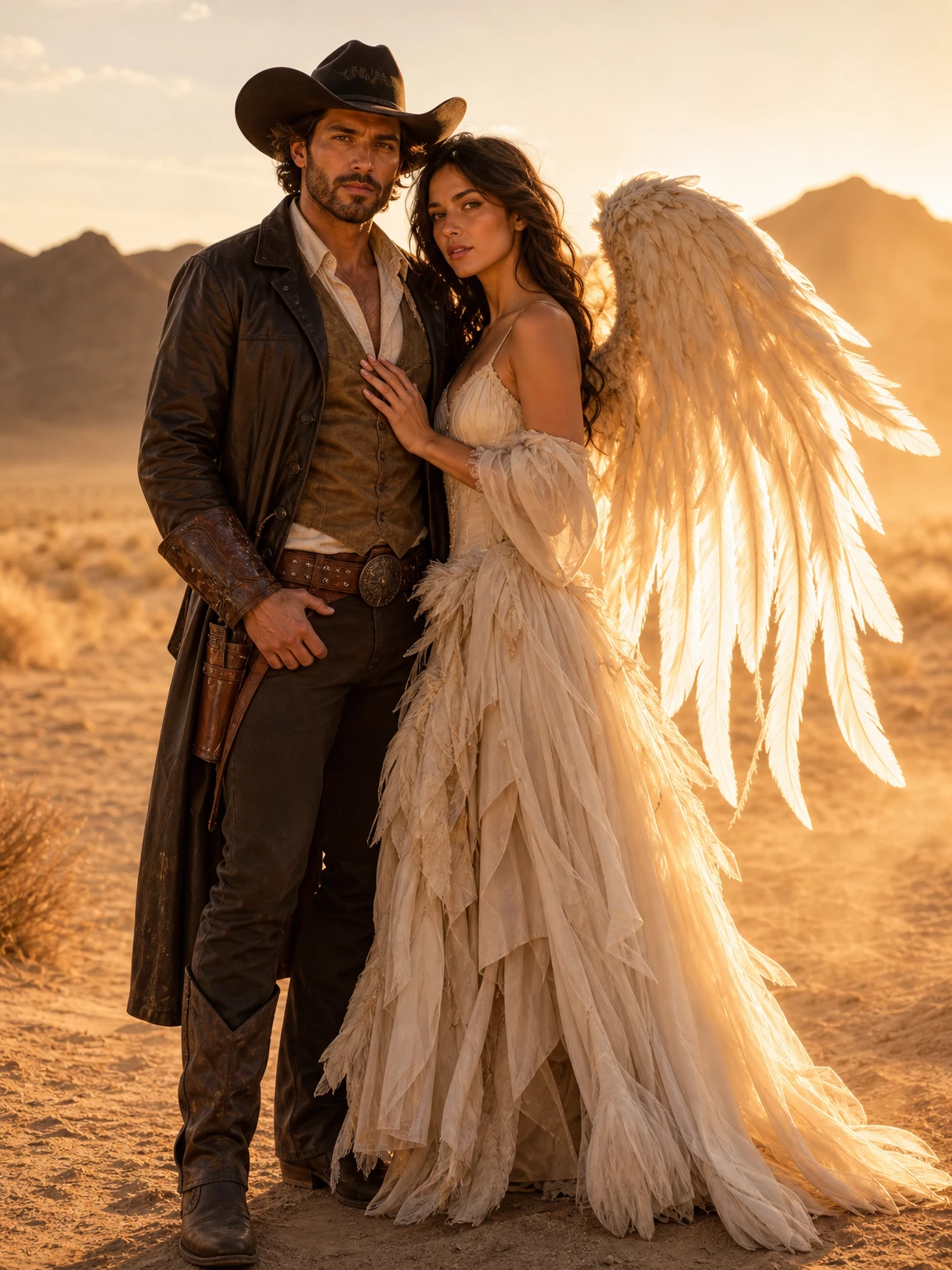
Use the two uploaded photos as references and create one coordinated Halloween couple portrait. Preserve each person's recognizable facial identity, skin tone, body proportions and natural anatomy. Dress person one as a polished cowboy with a wide-brim hat, leather details and boots. Dress person two as an original angel with layered ivory fabric and softly glowing feather wings. Place them together in a golden-hour desert with warm dust in the air. Use photorealistic editorial fashion photography, consistent lighting across both faces and a coordinated pose. Exactly two people. Do not swap faces, add a third person, distort hands, add text, logos or watermarks.
The looks in this collection
Each look has its own page, prompt and real price.
Can I use these prompts with Midjourney or DALL·E?
You can paste them into any editor that accepts a reference image, but the model and its input format matter. A text-only tool will not preserve your face the way an image-reference editor does.
Do I need to paste the prompt on this site?
No. Choosing a preset runs the same prompt for you. The copy button is there if you want to take the prompt somewhere else.
Why is there an “avoid” list?
It names the failure modes that matter for portraits: altered identity, extra limbs, duplicated fingers, text and watermarks. Naming them reduces how often they appear.
Can I change the colours in a prompt?
Yes. Keep the preservation and avoid lines intact, and change the costume and scene descriptions. That is the safest place to experiment.
Are the example images generated with these prompts?
The example images on the look pages were generated with gpt-image-2. They are visual references, not guarantees that a different model or photo will produce the same result.