A Fergie Baby AI guide
How to Put a Costume on an AI Walk Video
 Fergie Baby AI Team
A practical guide to costume walk videos: why the 12-second format works, which looks survive motion, and how to keep the face consistent.
Try it here
Midnight Braids, from your own photo
The look this guide describes is the generator below. Make a still first, then decide whether you want the video.
The walk video is one of the simplest formats on short-video platforms: one person, one continuous shot, a few seconds of movement, a sound doing the emotional work. It is also one of the hardest formats for an AI model, because the face has to survive every frame without turning into someone else.
Adding a costume makes it harder. Now the model has to keep the identity, the costume, the hair and the background consistent while the body moves. This guide explains what the walk engine actually does, which costume looks survive motion, and where the honest limits are.
The format, in one paragraph
A reference clip supplies the location, the camera move and the timing. You supply a photo of one adult. The model replaces the walker with the person in your photo, applies the costume described in the prompt, and renders 12 seconds of vertical video. The result is silent so you can attach the trend sound on the platform.
It is not a custom film scene. It is not a dance. It is not a two-person shot. It is the walk, with your face and a named costume.
Why 12 seconds is enough
A costume reveal needs three beats: the silhouette, the approach, the face. Twelve seconds gives each beat enough time without asking the model to invent a plot. It also matches the length of most trend sounds, so you do not have to cut the clip down before posting.
Longer is not automatically better. Every extra second is another chance for the face to drift, the costume to change or an extra hand to appear. The 12-second limit is a quality decision disguised as a format decision.
Which costumes survive motion
Three properties matter:
A strong silhouette. A cloak, a full gown, a hood, a crown, layered lace. If the costume reads as a shape in a still, it will read in a moving frame. If it depends on a tiny detail, the detail will flicker.
A stable hair decision. Long loose hair is beautiful and difficult. Braids, a hood or a crown give the model a more stable shape. If the hair is the point, accept that it will move and check the result at full size.
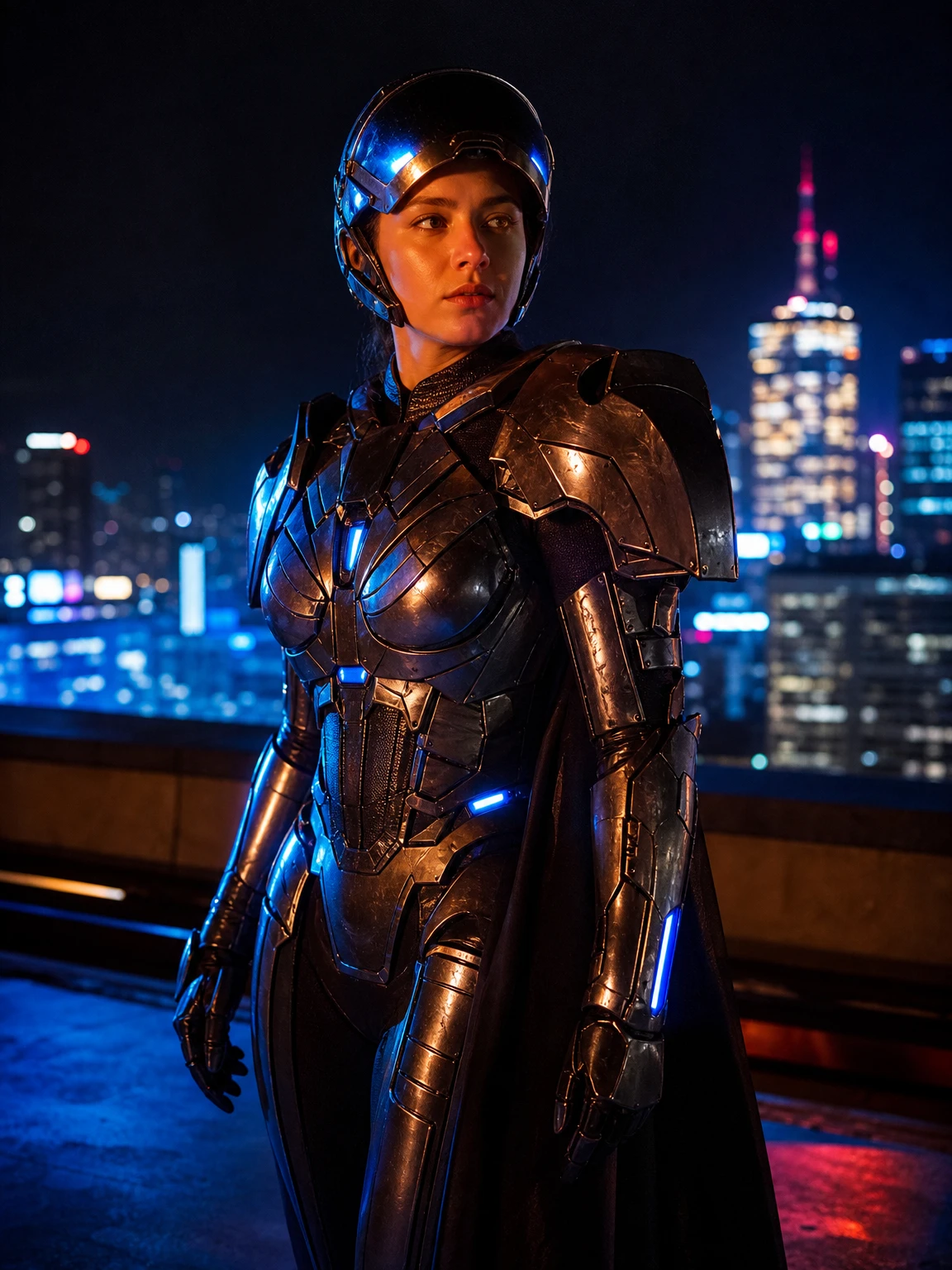
A believable body. Armour, a corset or a heavy cloak changes the silhouette. The model needs a source photo with a clear body line. A seated or heavily slouched photo gives it less to work with.
The four looks that work best
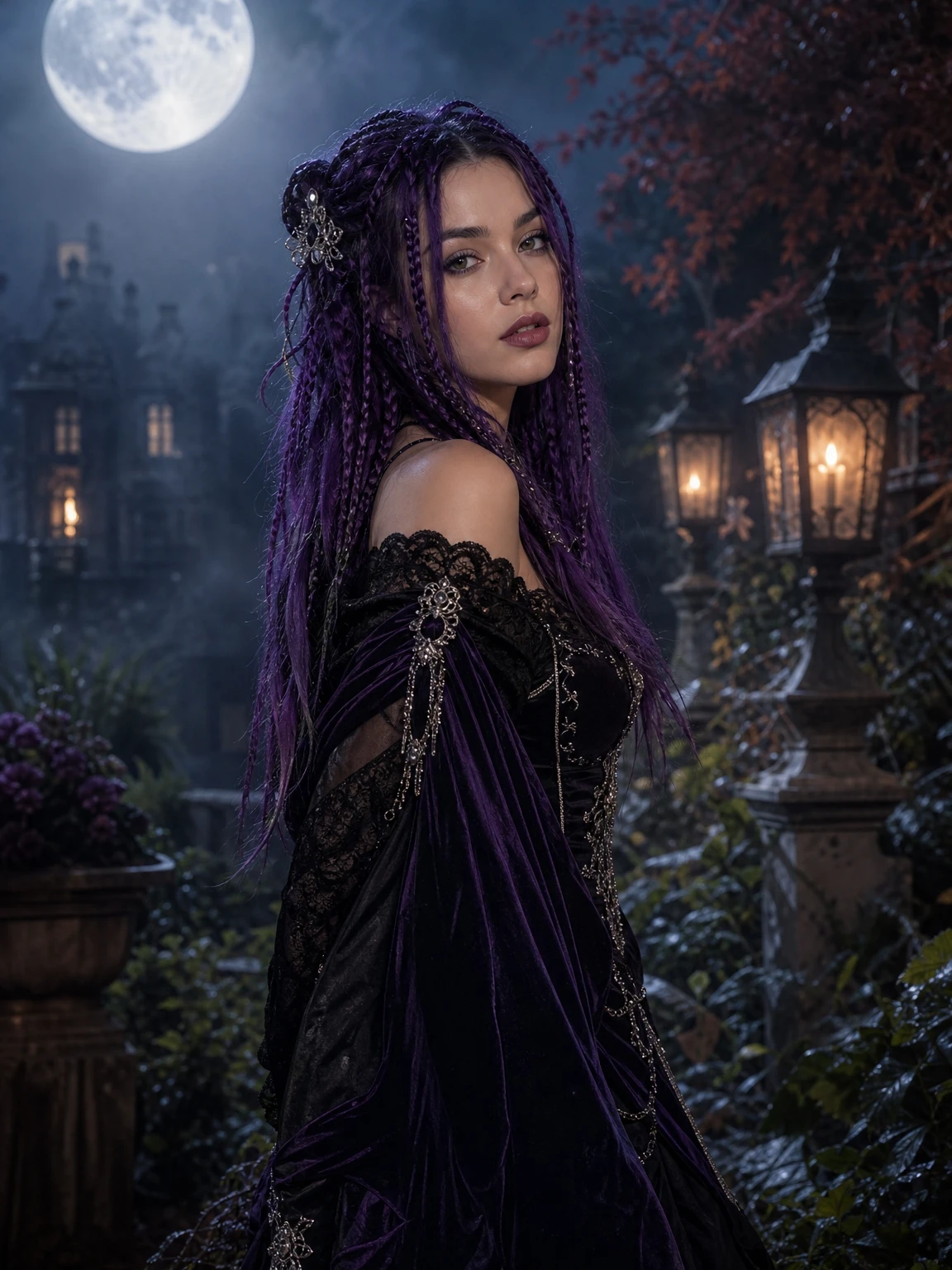
Midnight Braids. Violet braids and black velvet. The braids create a vertical shape and the velvet gives the light something to catch. It is the most reliable gothic look.
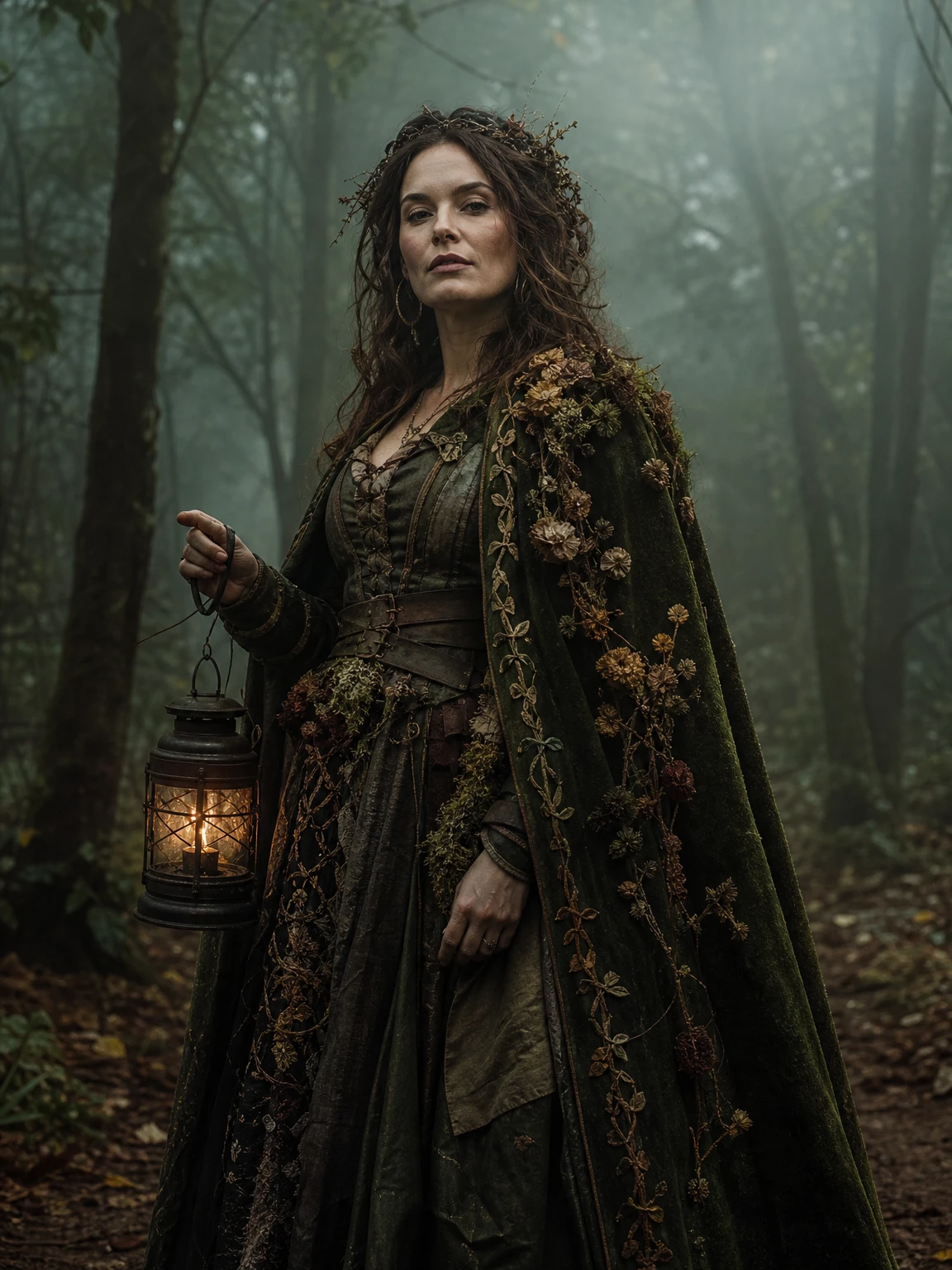
Forest Witch. A moss-green cloak and a lantern. The cloak is a strong silhouette and the lantern gives the scene an internal light source.
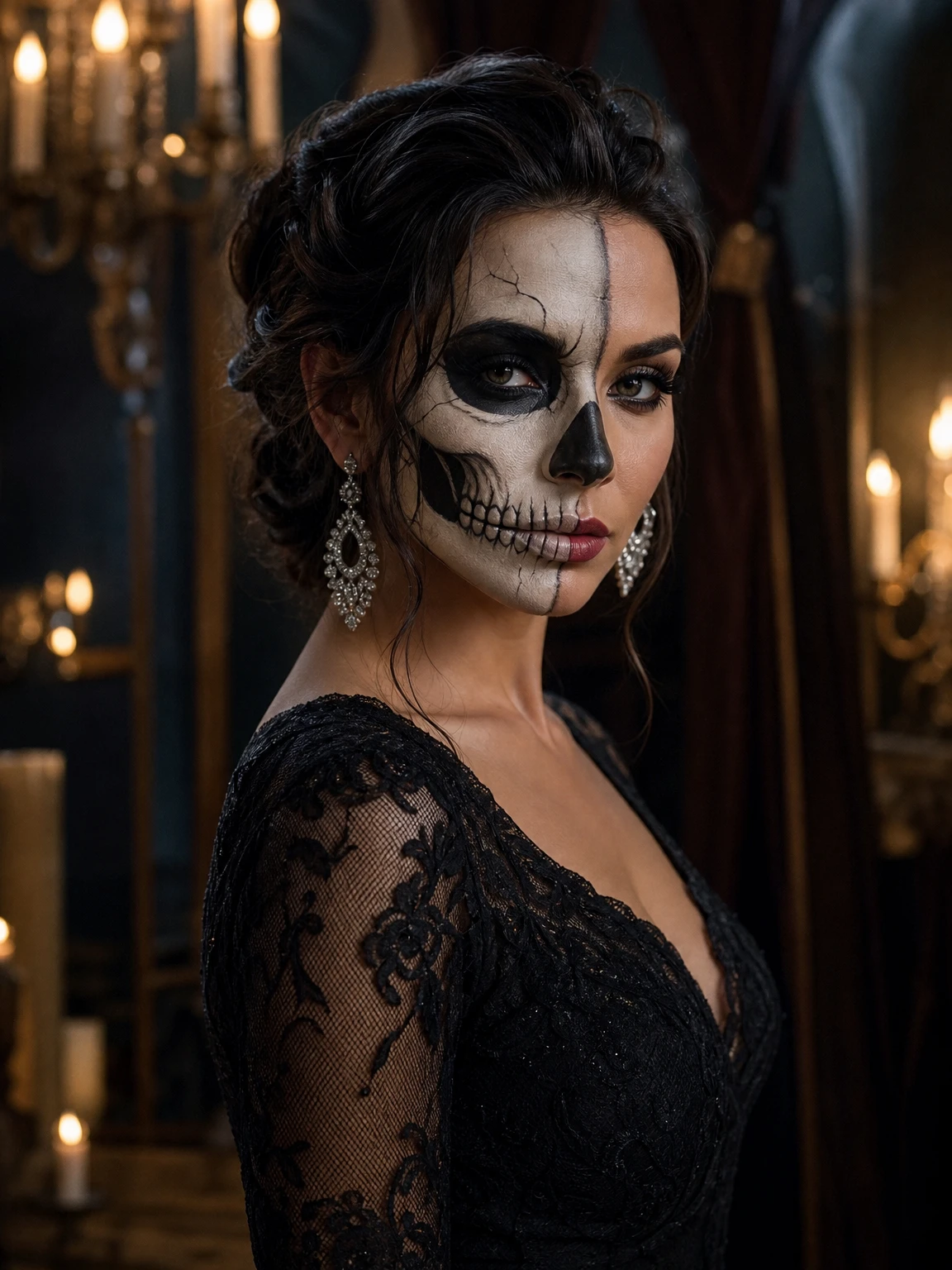
Skeleton Glam. Half-face makeup and a black lace dress. The makeup is detailed; a slow, close walk reads better than a fast one.
Cosmic Princess. A full gown and a moon crown. The gown is the silhouette; the crown is the detail that survives because it is large enough.
These are not the only options, but they are the ones where the costume and the format agree.
The prompt structure
A costume walk prompt has four jobs:
- Keep the shot: same location, same continuous take, same camera move, same timing.
- Keep the person: face shape, eyes, skin tone, age, body proportions.
- Change the costume: materials, silhouette and hair, described specifically.
- Prevent the common failures: extra people, extra limbs, duplicated fingers, text, logos, watermarks.
Here is the costume line for the Forest Witch look:
The walker wears a moss-green velvet cloak with dried flowers and embroidered
vines, a weathered leather corset and carries an antique lantern. Keep the
subject's face and identity unchanged.
Short, specific, and attached to the identity constraint. That is the pattern.
What the model gets wrong
The face drifts. Usually a small or low-quality source photo. Use a closer, sharper photo.
The costume changes halfway. A vague costume description or a very detailed prop. Simplify the costume sentence and keep the silhouette.
An extra person appears. A group photo or a prompt that mentions a crowd. Use a solo photo and say "one person only".
The hands look wrong. Hands are hard. A prompt that names "five fingers per hand" helps, but it is not a guarantee. Check the result at full size.
The walk does not match the reference. The reference clip is fixed. If the model ignores it, the render is not usable; try again rather than accepting a different shot.
Still first, then video
A still is 2 credits; a 12-second walk is 10 credits at 480p or 30 at 1080p. Generate the still first. It tells you whether the face and costume are working before you spend on motion.
If the still is good but the video drifts, the problem is usually the motion, not the costume. Try a slower or closer walk, or accept that this particular look is better as a portrait.
Posting
The clip is silent. Add the trend sound inside TikTok, Reels or Shorts. Label the video as AI-generated when the platform asks. Do not imply that a real artist, brand or film endorsed it.
The short version
A costume walk video is a silhouette test. Pick a look with a strong shape, use a clear photo, keep the identity constraints, and check the still before you animate it.
Try the AI Halloween video generator or browse the AI look library for a direction with a strong silhouette.