A Fergie Baby AI guide
Halloween Photo Editor vs Generator: Which Do You Need?
 Fergie Baby AI Team
The difference between an AI Halloween photo editor and a costume generator, what each one changes, and how to pick the cheaper tool for your photo.
Try it here
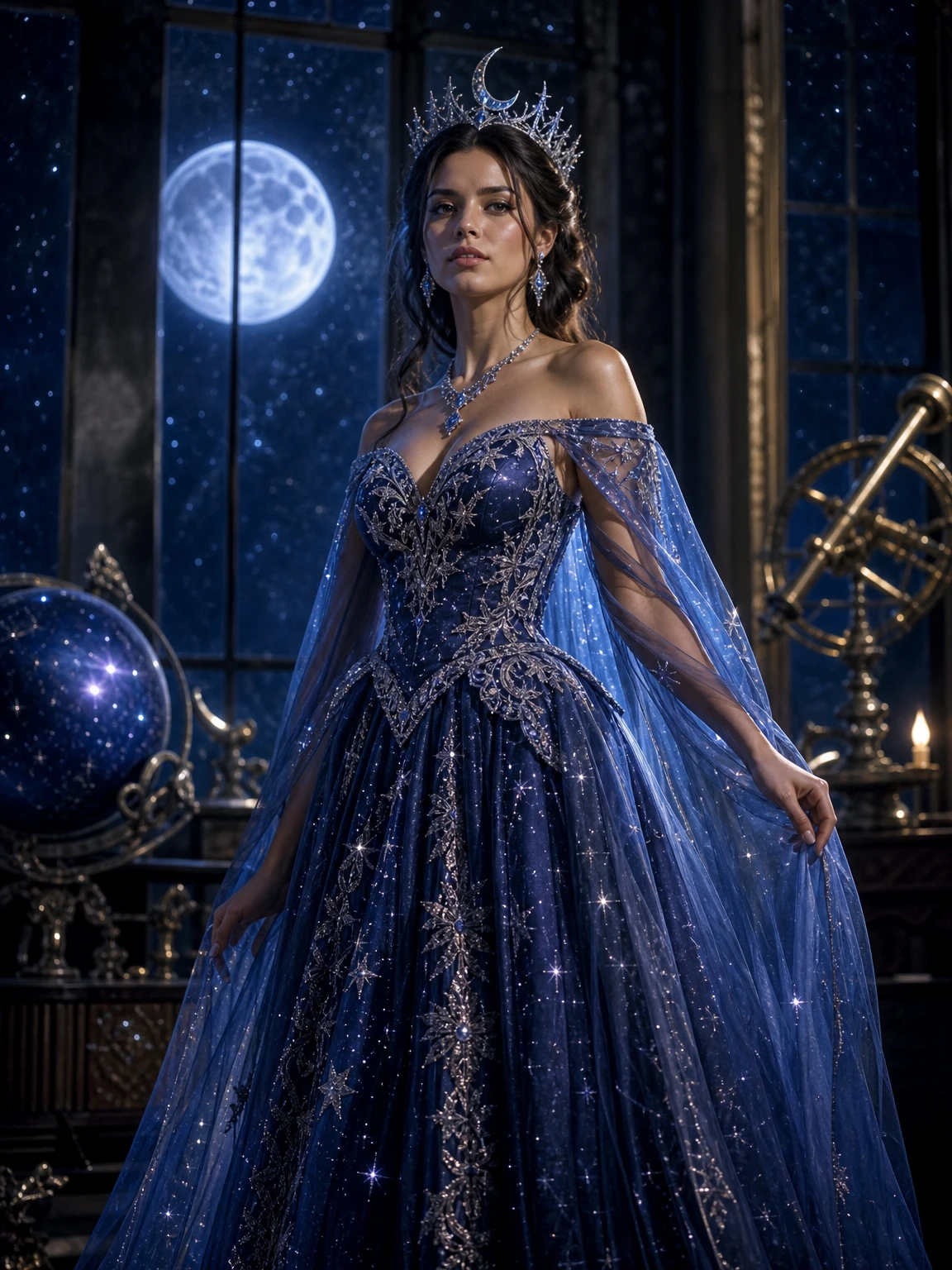
Cosmic Princess, built from one photo
The look this guide describes is the generator below. Make a still first, then decide whether you want the video.
"Halloween photo editor" and "Halloween costume generator" sound like the same product with different labels. They are not. One starts with your photo and changes parts of it. The other starts with a description and creates a new scene. The difference decides whether the result looks like you.
This guide explains the two approaches, the kind of edit each one is good at, and how to choose without wasting credits.
The editor: your photo is the base
An AI photo editor takes your image as the primary reference. It preserves the face and rebuilds specific parts: the outfit, the hair, the makeup, the background, the light. The composition usually stays close to the original pose.
This is the right tool when:
- You have a photo you already like.
- You want to keep your face, expression and body.
- You want a costume, makeup or set change.
- You want a portrait that can pass as a real editorial photo.
The limitation is the source photo. A small, dark or heavily filtered face gives the editor less to preserve. The editor is not a face-replacement tool and does not guarantee a perfect likeness.
The generator: the description is the base
A text-to-image generator starts with a prompt and creates a new person or scene. It is excellent for moodboards, costume concepts and backgrounds. It is not a portrait of you unless you add a face-reference step, and even then the identity is usually looser than a dedicated editor.
This is the right tool when:
- You need a concept image, not a portrait.
- You want a scene that does not exist in your camera roll.
- You are exploring a direction before you commit to a costume.
- You do not need the person to be recognizable.
The limitation is identity. A generator can produce a beautiful witch, but it cannot promise that the witch is you.
Where the line gets blurry
Some tools combine both: a reference image plus a prompt plus a costume preset. That is what the look pages on this site do. They are editors with a strong costume prior. The preset supplies the costume sentence; your photo supplies the identity.
That combination is useful because it removes the two most common failure modes:
- A pure generator invents a face.
- A pure editor has no idea what "skeleton glam" should look like.
The preset gives the editor a direction. The photo gives the preset a person.
A practical comparison
| Need | Better tool | Why | | ------------------------------------- | -------------------------------- | ------------------------------------------- | | Keep my face, change the costume | Photo editor | The face is the primary reference | | Create a costume concept from scratch | Text generator | No identity constraint | | Make a pet portrait | Photo editor | Breed and markings must survive | | Make a couple portrait | Photo editor with two references | Two identities need explicit mapping | | Explore a mood | Text generator | Speed and variety matter more than likeness | | Make a 12-second walk | Photo-to-video editor | The reference clip supplies the motion |
The cost question
A still edit is 2 credits. A text-to-image generation can be cheaper per image on some platforms, but the cost of a wrong result is higher: you may spend several generations trying to get a face that resembles you, and still fail. A reference-based edit is usually the cheaper path to a usable portrait.
The video is a separate cost: 10 credits at 480p, 30 at 1080p. Do not pay for video until the still works.
The workflow we recommend
- Start with a clear photo. One person, face visible, natural light.
- Choose an editor with a named costume preset, not a blank prompt box.
- Generate a still. Inspect the face, hands and costume edges.
- If the still works, animate it. If it does not, change the photo before changing the tool.
- Post with the platform sound and an AI label if the platform asks for one.
What neither tool can do
Neither tool can recover a face that is not in the photo. Neither can guarantee a specific celebrity likeness, a film-accurate costume or a real brand logo. Neither can turn a group photo into a clean single-person portrait. And neither should be used to impersonate someone or imply an endorsement.
The short answer
If you want a portrait of yourself in a costume, use a photo editor. If you want a concept image of a costume, use a generator. If you want both speed and likeness, use a preset-based editor: a named look plus your photo.
A note on makeup edits
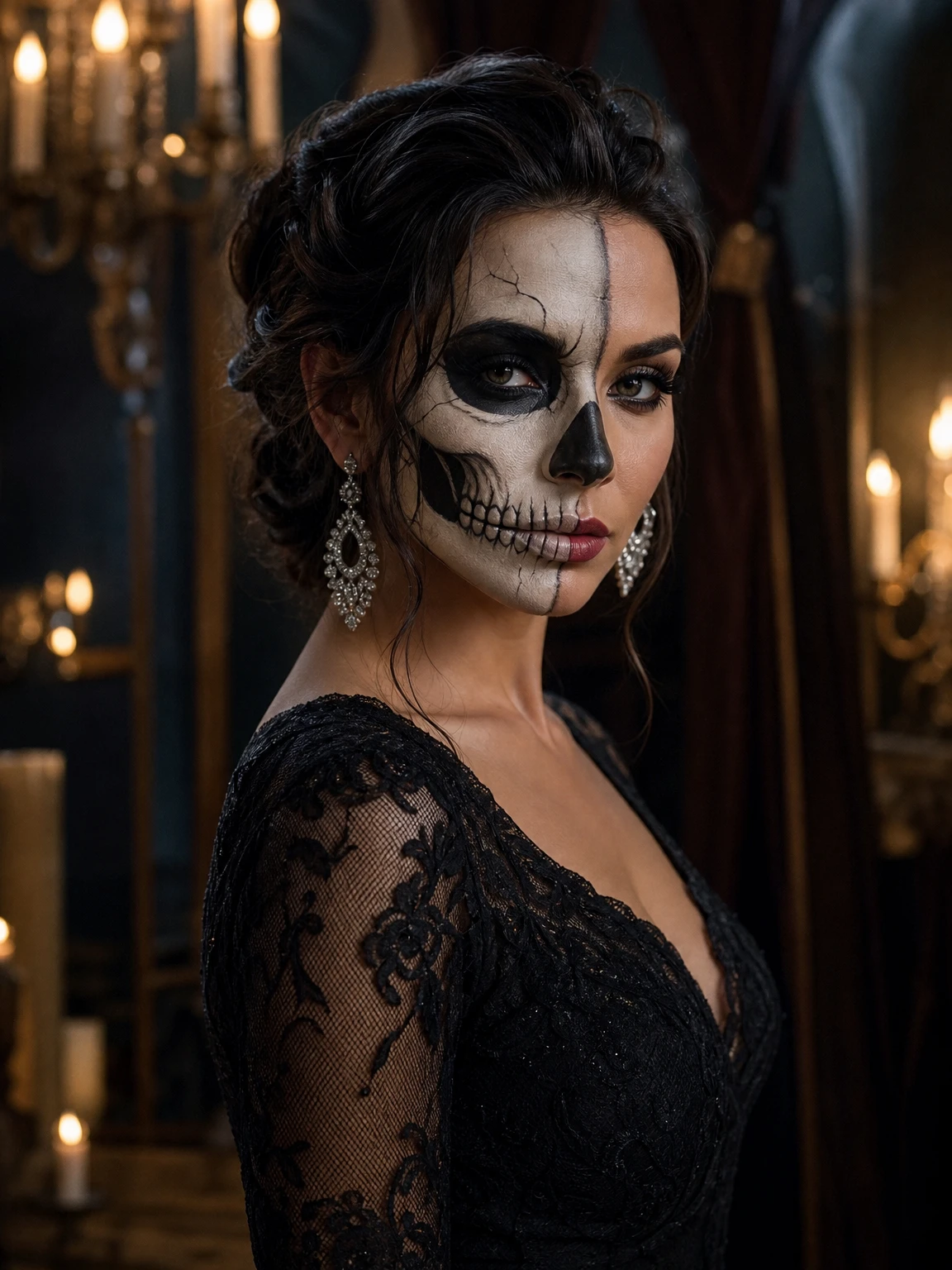
Makeup is the hardest edit to make look real. A costume can be a shape; makeup lives on the skin. The model has to place lines, shadow and colour on a face it did not photograph, and it has to keep the eyes and expression readable. That is why a skeleton glam preset is more difficult than a velvet dress preset.
If a makeup result looks like a mask, check three things: the source photo, the lighting and the prompt. A front-facing photo with even light gives the model a symmetrical base. A photo with a strong side shadow makes the makeup follow the shadow, which can read as a smear. And a prompt that says "skeleton makeup, keep the eyes readable" is easier to follow than "scary skeleton face".
The same rule applies to hair. A new hair colour is a surface change; a new hairstyle changes the silhouette. Both can work, but the prompt has to say which one you want.
Try the AI Halloween photo editor with one clear photo, or browse the AI look library to see the difference between the directions.