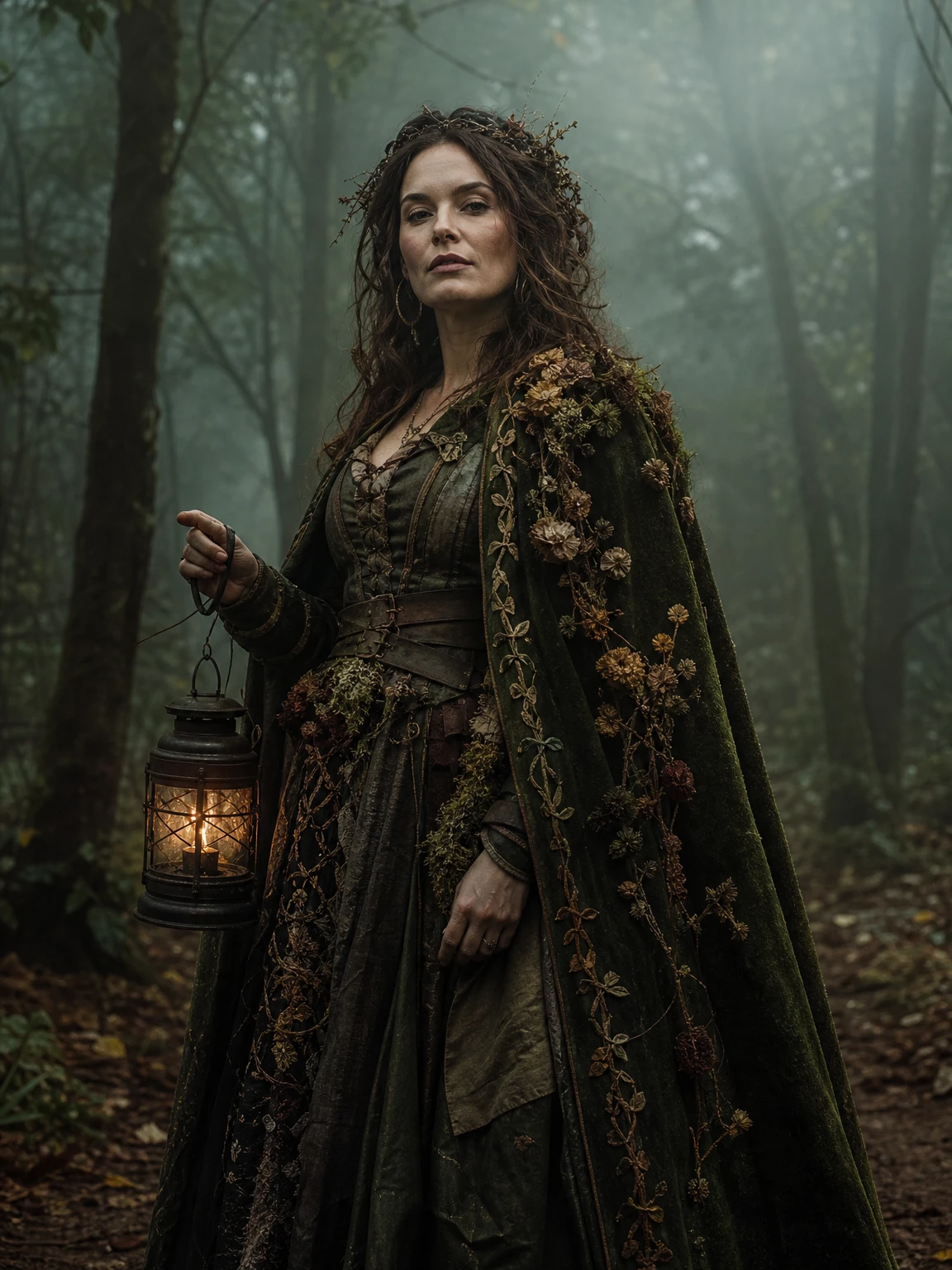
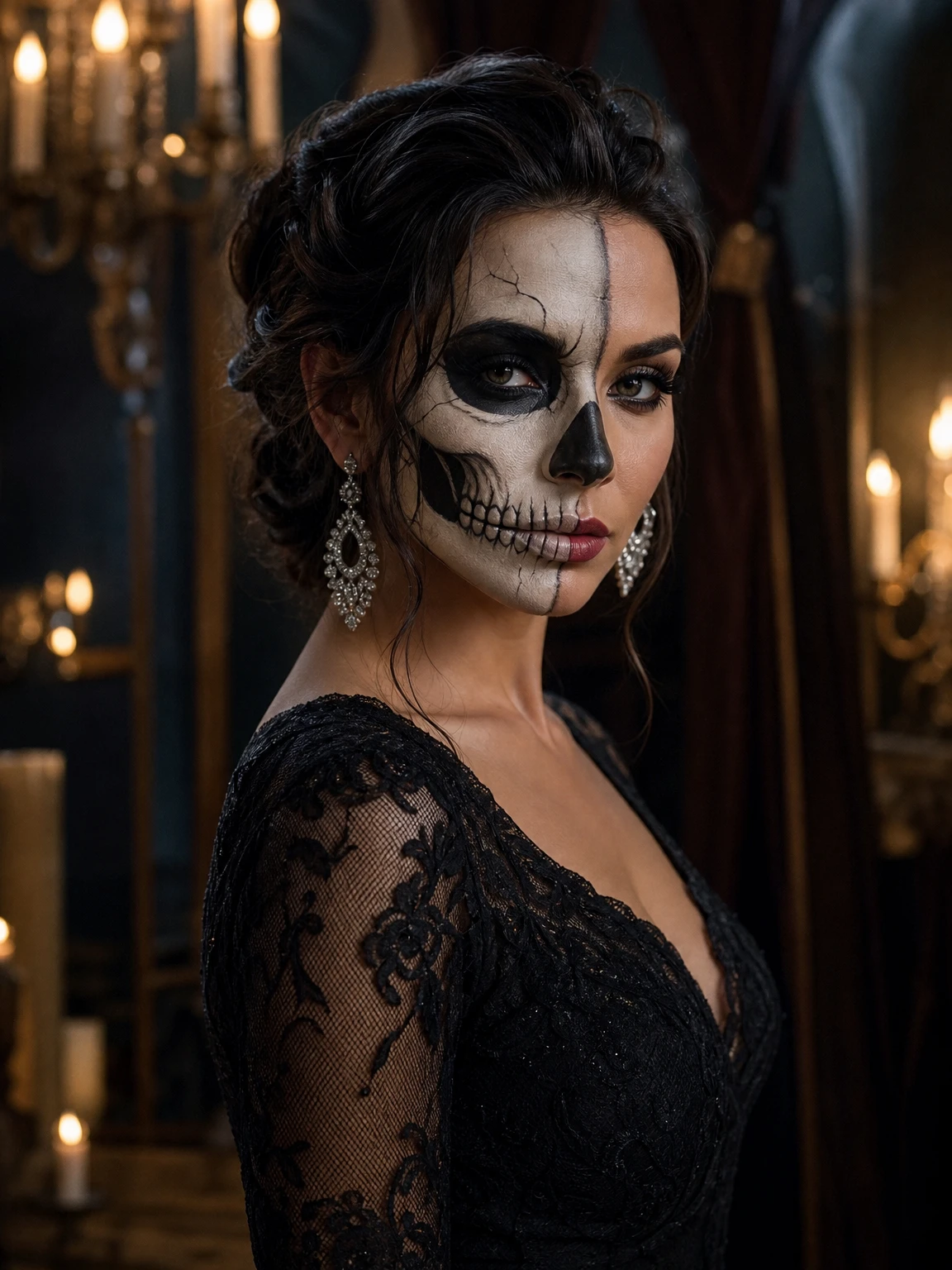
A Fergie Baby AI guide
Holiday AI Video Ideas That Reuse One Photo
 Fergie Baby AI Team
Holiday AI video ideas for one photo: a 12-second walk, a still portrait, a carousel and a year-end post, with the real costs and limits.
Try it here
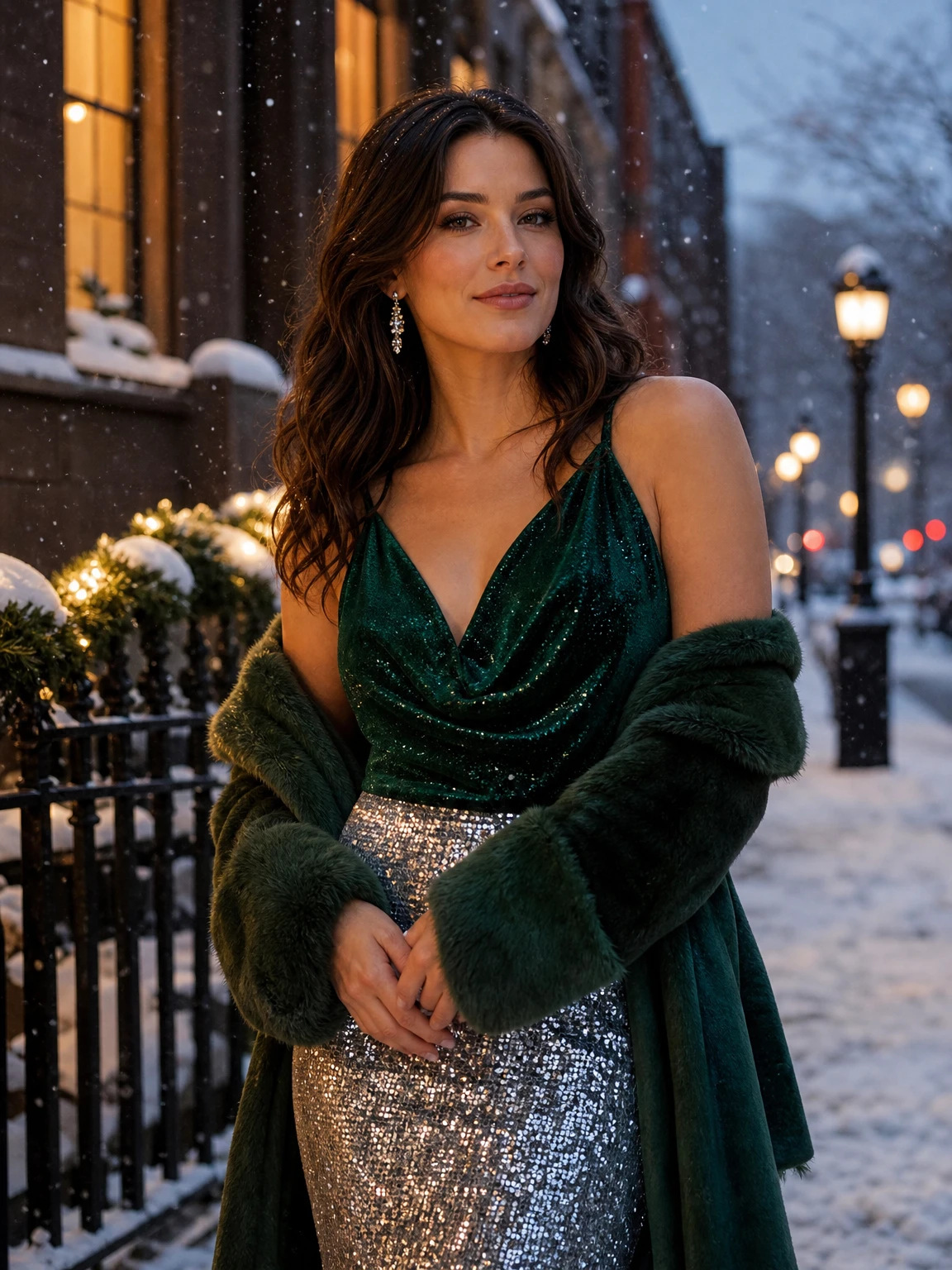
Holiday Sparkle, from one photo
The look this guide describes is the generator below. Make a still first, then decide whether you want the video.
The holiday content calendar is long: Black Friday, the run-up to Christmas, New Year's Eve, Valentine's Day. Most people do not have a new photo shoot for every one of them. The useful question is not "what should I shoot?" but "what can I make from the photo I already have?"
This guide is a set of holiday video and image ideas built around one source photo, with the real costs and the honest limits.
The one-photo workflow
You need one clear photo of one adult. Face visible, natural light, knees-up or full body. From that photo, you can make:
- A still portrait in a holiday look.
- A 12-second walk video in the same look.
- A carousel with two or three looks.
- A year-end post that uses the walk as the motion piece.
The photo does not need to be seasonal. A summer photo can become a snowlit street portrait; the model replaces the background and the clothing. What it cannot replace is a face it cannot see.
Idea 1: the Black Friday glam still
Use the Black Friday Glam look: a structured black blazer, satin lapels, gold rim light. It is a sale post that does not look like a discount sticker. Make the still first (2 credits). If you want motion, add the 12-second walk (10 credits at 480p).
Best for: a founder post, a "what I bought" post, a sale announcement that wants to stay quiet.
Idea 2: the holiday sparkle walk
Emerald velvet, silver sparkle, a snowlit street. The still is a holiday card; the walk is a "last post of the year" clip. The warm window lights keep the snow scene from turning blue.
Best for: a year-end greeting, a December promotion, a story sequence.
Idea 3: the New Year disco countdown
Silver sequins, deep teal, a rooftop at midnight with confetti. The still is a countdown post; the walk is a "first post of the year" clip. The sequins need a clean silhouette, so keep the outfit description focused on shape, not just shine.
Best for: a midnight post, a recap carousel, a "new year, new look" announcement.
Idea 4: the Valentine rose portrait
Rose-red couture, pearl details, a single rose. The still is a Valentine post or a profile image. The walk is a quiet, romantic clip rather than a dance.
Best for: a couple-adjacent post, a solo self-love post, a small-business Valentine promotion.
Idea 5: the carousel
Make two or three stills from the same photo, one per holiday look. Post them as a carousel with a short caption: "one photo, three ways to end the year." The carousel is cheaper than three videos and gives people a reason to swipe.
Idea 6: the before/after
Post the original photo and the generated look side by side. The contrast is the story: same face, different direction. Do not pretend the generated image is an unedited photo; label it as AI when the platform asks.
What it costs
A still is 2 credits. A 12-second walk is 10 credits at 480p or 30 at 1080p. New accounts get 10 welcome credits, enough for five stills or one 480p clip.
A practical holiday plan:
- 2 stills (4 credits) to test two looks.
- 1 walk (10 credits) for the strongest look.
- Total: 14 credits, about $13.86 at the Single-pack rate, or less on a larger pack.
That is the honest math. There is no "unlimited holiday content" tier.
What not to do
Do not use a photo you do not own. A stranger, a celebrity or a friend who has not agreed is not a source.
Do not put a brand logo in the image. The model may distort it, and it implies an endorsement.
Do not fake a countdown. A timer that resets on refresh is a trust problem.
Do not promise a specific costume. The look is a direction, not a licensed product.
Do not skip the still. The video inherits the still's problems.
A note on seasonal pages
Seasonal pages should stay up after the season. Update the year, the looks and the example images; keep the URL. A page that is deleted in January loses whatever ranking it earned and has to start again next year.
The same logic applies to the content: write a page that is useful in November and still useful in February. The look changes; the workflow does not.
The short version
One clear photo can carry a whole holiday calendar: a still for the feed, a walk for the video, a carousel for the recap. Test the still, animate the strongest look, and keep the price honest.
A one-photo content calendar
If you post once a week through December, you do not need twelve new photos. You need one good photo and a plan for how to reuse it.
Week one: a Black Friday glam still. Week two: the same still as a story with a short caption about the look. Week three: a holiday sparkle still. Week four: a holiday walk video. Week five: a New Year disco still. Week six: a year-end carousel with three looks. That is one photo, six posts, and a small number of credits.
The key is to vary the format, not the face. A still, a story, a carousel and a walk are different enough that the audience does not feel like they are seeing the same image six times. The look changes; the person stays.
Start with the holiday looks or the Black Friday page, and make the still before you spend on video.